
Facebook has a Save option on every video, so it is easy to assume it saves the video to your phone. It does not. Here is the difference.
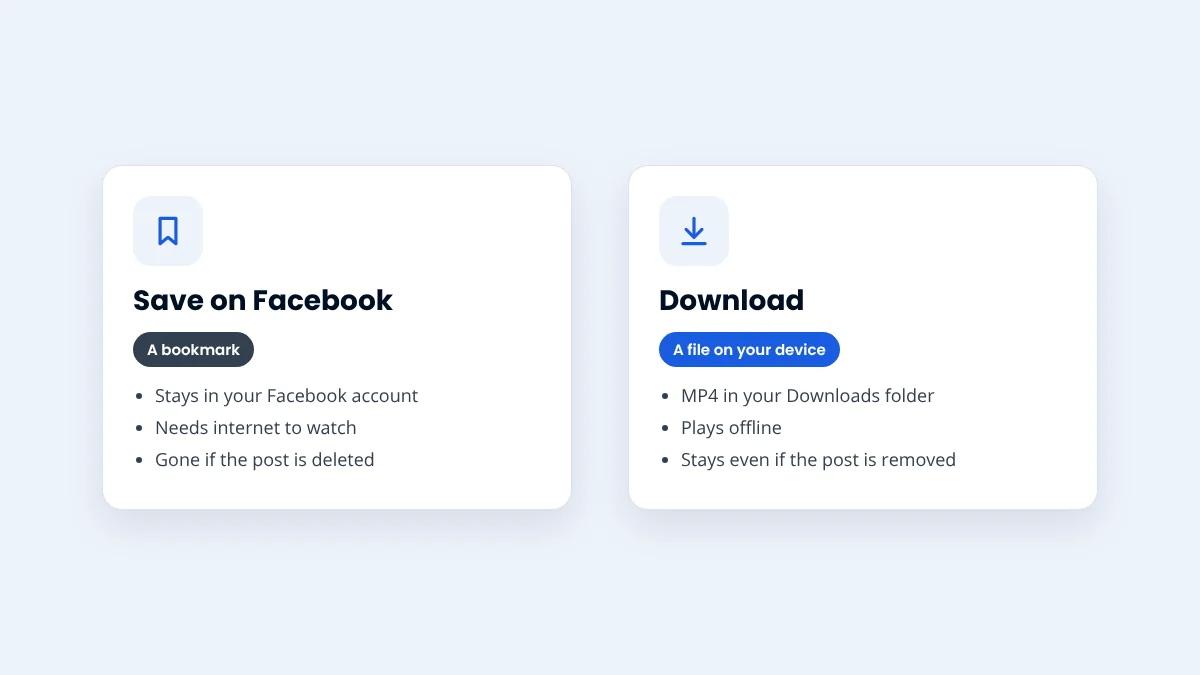
Save: a bookmark inside Facebook
When you choose Save video, Facebook adds it to your Saved list.
- The video stays on Facebook's servers
- You need to be online and signed in to watch it
- If the owner deletes it or changes its audience, it disappears from your list
- Nothing is stored on your device
Download: a file on your device
Downloading creates an MP4 file in your storage.
- Works offline
- Stays even if the original post is removed
- Can be moved, backed up or opened in other apps
- Uses storage space
Side by side
| Save | Download | |
|---|---|---|
| Where it lives | Your Facebook account | Your device |
| Needs internet | Yes | No |
| Survives deletion of the post | No | Yes |
| Works for private videos you can see | Yes | No |
| Uses storage | No | Yes |
When to use Save
- You want to watch something later today
- The video is not public
- You are collecting ideas and do not need the files
Find your saved items in the Facebook menu under Saved.
When to download
- You will be offline, for example on a flight
- You want to keep the video long term
- You need the file for a presentation or to send in another app
To download, copy the video link and paste it into SaveFBVid. The steps are in how to save a Facebook video online on any device.
Can I download from my Saved list?
Yes, if the video is public. Open it from your Saved list, copy its link and use the downloader as usual.
Releated Posts
 Can You Download Facebook Stories? What Is and Is Not Possible
 How to Download Videos from Facebook Groups
 fb.watch Links Explained: What They Are and How to Download Them
Comments
No comments yet.
Leave a Comment
Your email address will not be published.