

When you download a Facebook video you are usually offered two buttons: high quality and low quality. Here is what they mean and how to choose.
What HD and SD mean
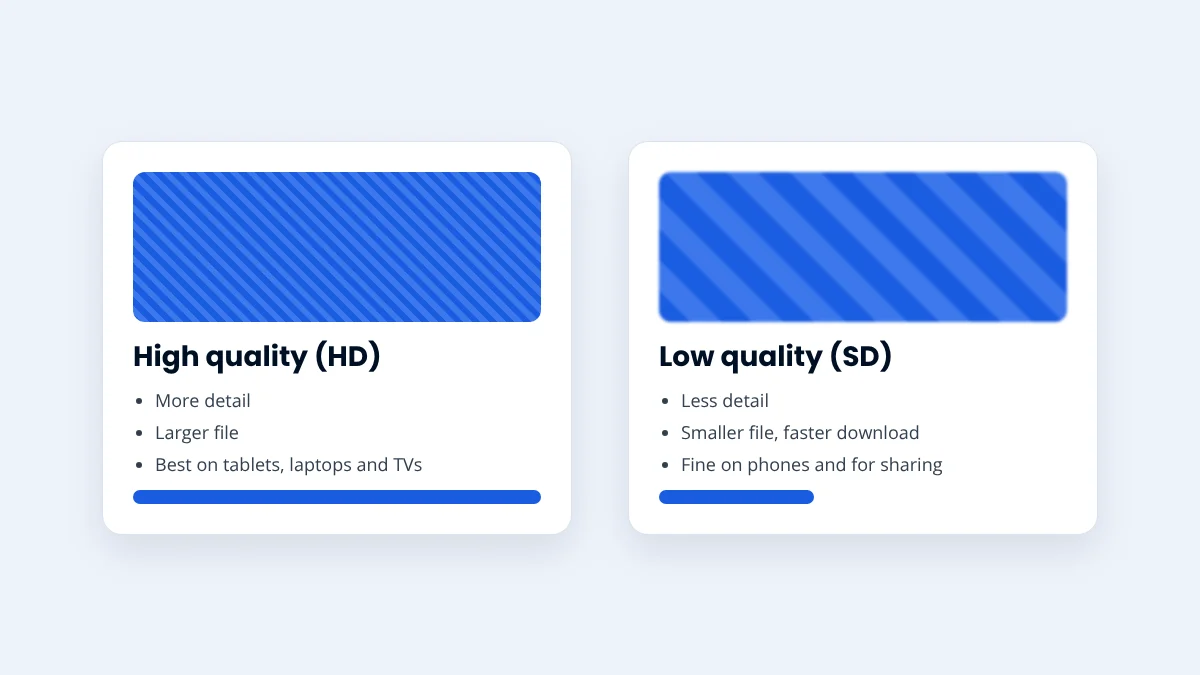
- SD (standard definition) is the smaller version. It looks fine on a phone screen and uses less data.
- HD (high definition) has more detail. It looks better on tablets, laptops and TVs, and the file is larger.
Facebook creates these versions itself when a video is uploaded. A downloader simply gives you the ones that exist.
When to choose high quality
- You will watch on a large screen
- You want to keep the video for a long time
- You plan to edit it or cut clips from it
- You are on Wi-Fi
When to choose low quality
- You are on mobile data
- Storage is tight
- You want to send the video through a messaging app, which will compress it anyway
- You only need the audio or the general content
Why is there sometimes no HD option?
- The original upload was low resolution. Nothing can add detail that was never there.
- The video is very new. Facebook may still be processing the higher quality version. Try again later.
- It was a live stream on a weak connection. Live video is recorded at the quality that reached Facebook.
Does downloading reduce quality?
No. An online downloader such as SaveFBVid gives you the file Facebook already serves. It is not re-encoded.
How to get the best possible quality
- Download the HD version.
- Avoid screen recording; it captures your screen, not the video file.
- If it is your own video, use Facebook's export instead. See download your own Facebook videos.
Quick comparison
| High quality | Low quality | |
|---|---|---|
| Detail | More | Less |
| File size | Larger | Smaller |
| Best for | Big screens, keeping | Phones, sharing |
Releated Posts
 How to Download Facebook Videos on PC and Mac
 How to Download Facebook Videos on Android
 How to Download Facebook Videos on iPhone and iPad
Comments
No comments yet.
Leave a Comment
Your email address will not be published.