
When you download a video from Facebook, the file you get is an MP4. Here is what that means in practice.
What is MP4?
MP4 is a container: a file that holds video, audio and some information about both. It is the most widely supported video format in use, which is why Facebook delivers video this way.
What can play it?
Nearly everything:
- Phones and tablets, in the built-in gallery or Photos app
- Windows and macOS, in the default players
- Smart TVs and game consoles, usually from a USB drive
- Editing software
Why the same video comes in different sizes
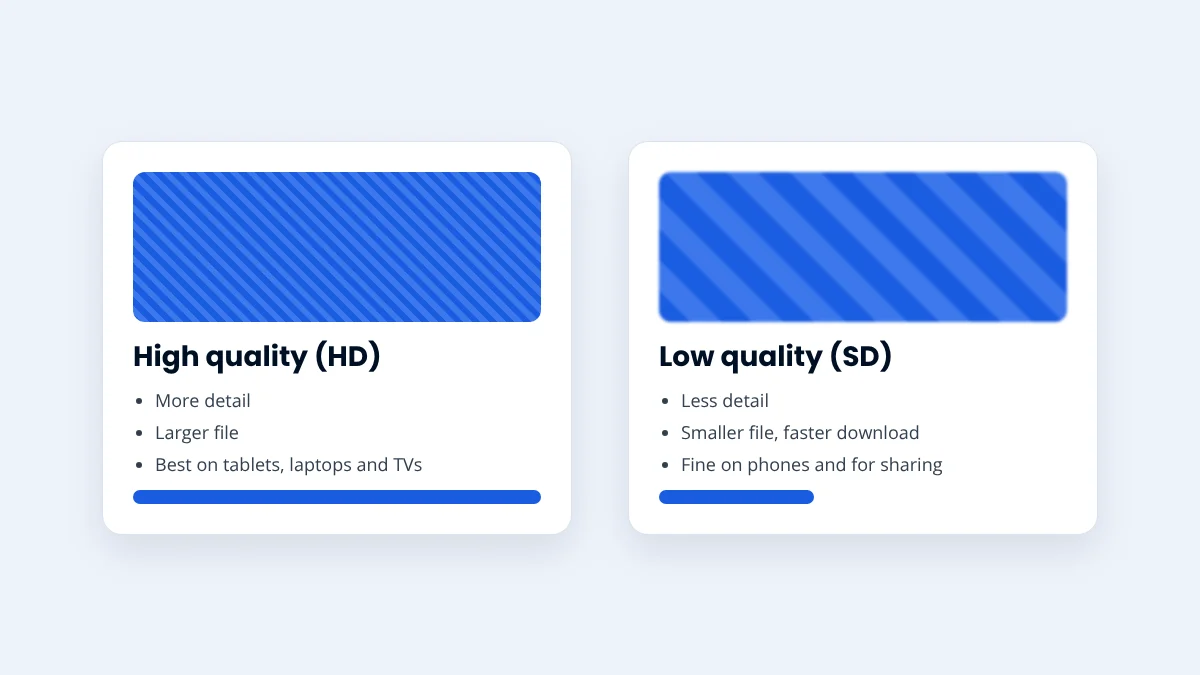
Facebook prepares more than one version of each upload so it can play smoothly on slow and fast connections. A downloader offers the versions it finds, typically a high quality and a low quality file. See HD vs SD.
Does the downloader convert the video?
No. SaveFBVid hands you the MP4 that Facebook already serves. Nothing is converted and no watermark is added.
A file will not open. What now?
- Check the download finished. A partial file will not play. Download it again.
- Check the extension. It should end in .mp4.
- Try another player. Free players such as VLC open almost anything.
- Check storage. A full device can cut a download short.
Can I get a different format?
For most uses you do not need one. If a device insists on another format, a video converter can change it, but each conversion loses a little quality. Keep the original MP4.
Is there sound in the file?
Yes. Audio is included in the MP4. If you hear nothing, check the device volume and try a different player before downloading again.
Releated Posts
 How to Watch Facebook Videos Offline
 Facebook Reels vs Videos: What Is the Difference?
 Download Facebook Videos Without an App or Extension
Comments
No comments yet.
Leave a Comment
Your email address will not be published.