
Recorded events, webinars and live replays can run for an hour or more. They download the same way as short clips, but the files are much bigger, so a little preparation helps.
The basic steps
- Copy the video link.
- Paste it into SaveFBVid and press Start.
- Choose a quality and start the download.
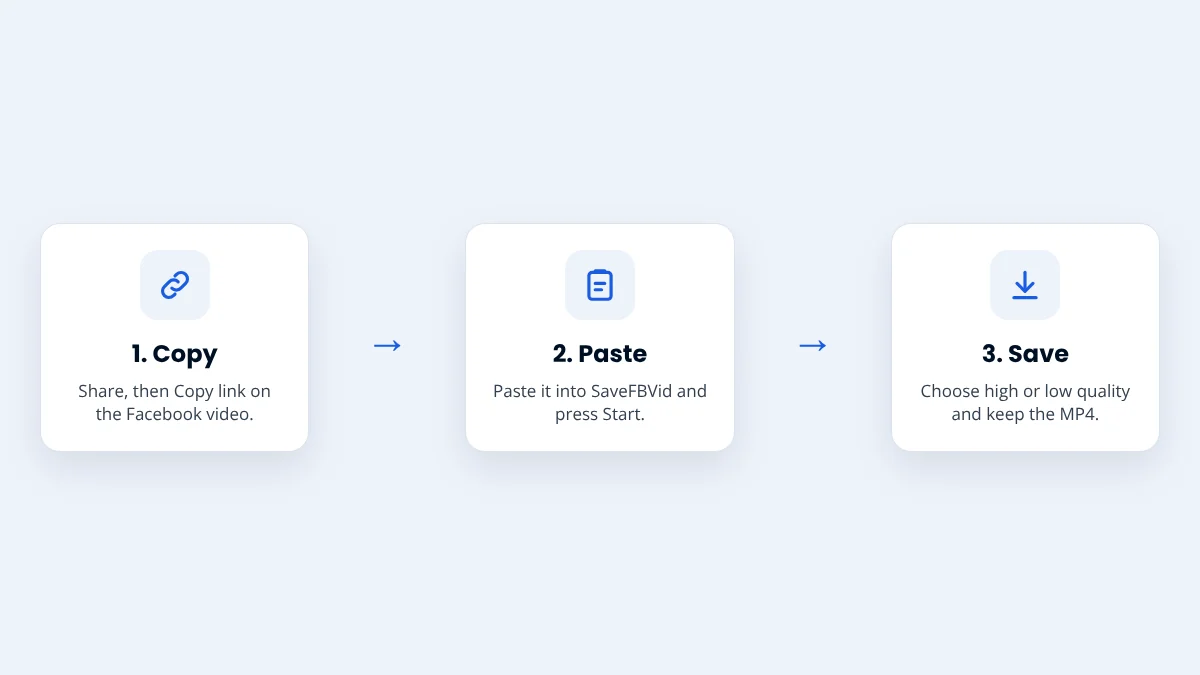
Looking up a long video takes the same few seconds as a short one. Only the download itself takes longer.
Five tips for large files
1. Use Wi-Fi
Mobile connections drop more often, and a long HD video can use a large part of a monthly data plan.
2. Check free storage first
Make sure you have comfortably more space than you expect to need.
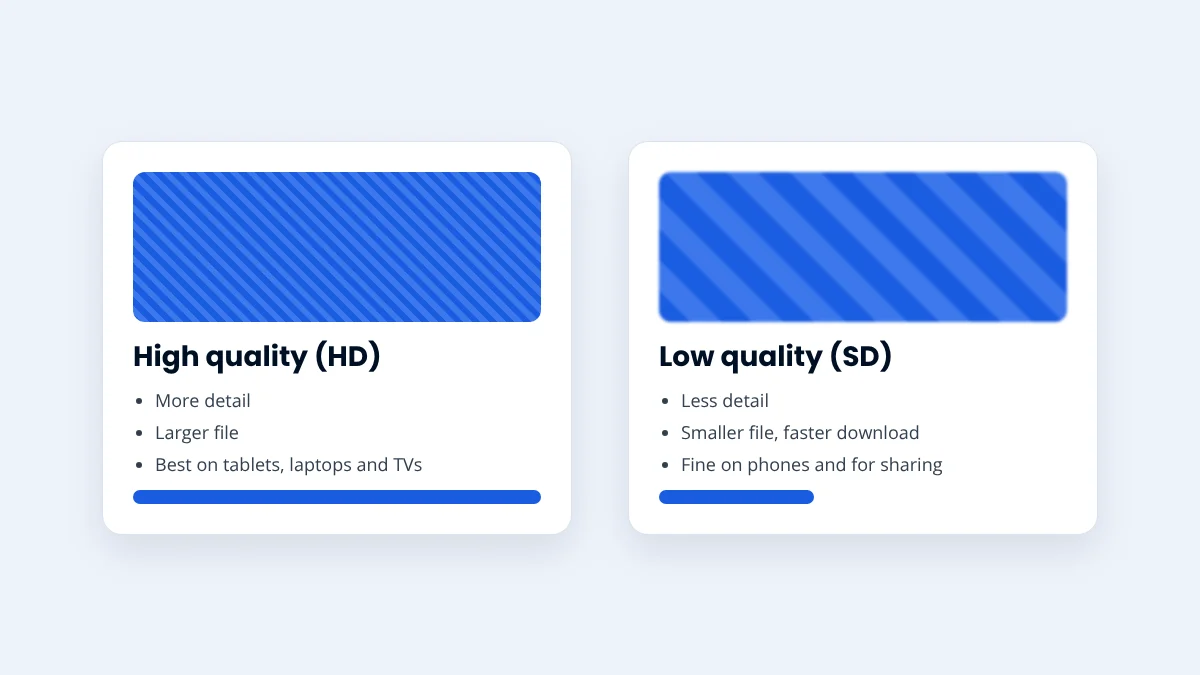
3. Consider low quality
For talks, lessons and meetings, where sound matters more than picture, low quality is often enough and downloads much faster. See HD vs SD.
4. Keep the tab open
Do not close the browser or let the device sleep until the download finishes. On a phone, keep the screen on or plug it in.
5. Use a computer if you can
Desktop browsers handle large downloads more reliably, and you can copy the file to your phone afterwards.
If the download stops halfway
- Open the browser's download list and choose Resume if it is offered.
- If it cannot resume, start again on a more stable connection.
- If it fails at the same point twice, try the other quality.
Live replays
A live video is available once the stream has ended and the replay is public. Details in how to download Facebook Live videos.
Only need part of it?
Download the whole video, then trim it with the editor in your phone's gallery or any free video editor.
Releated Posts
 How to Repost Facebook Videos the Right Way (With Permission)
 How to Share a Downloaded Facebook Video on WhatsApp and Other Apps
 Facebook Video Formats Explained: Why You Get an MP4
Comments
No comments yet.
Leave a Comment
Your email address will not be published.